01
UPLOAD
Upload PDF, Office files, or images. DocPurify reads the file type first so you can confirm what is being processed.

NEW: FULL-TEXT AI CALIBRATION
Upload PDF, Office, or images. AI calibrates heading hierarchy and body content page by page, then exports clean, standard Markdown. Preview page count and estimated credits before export — transparent pricing.
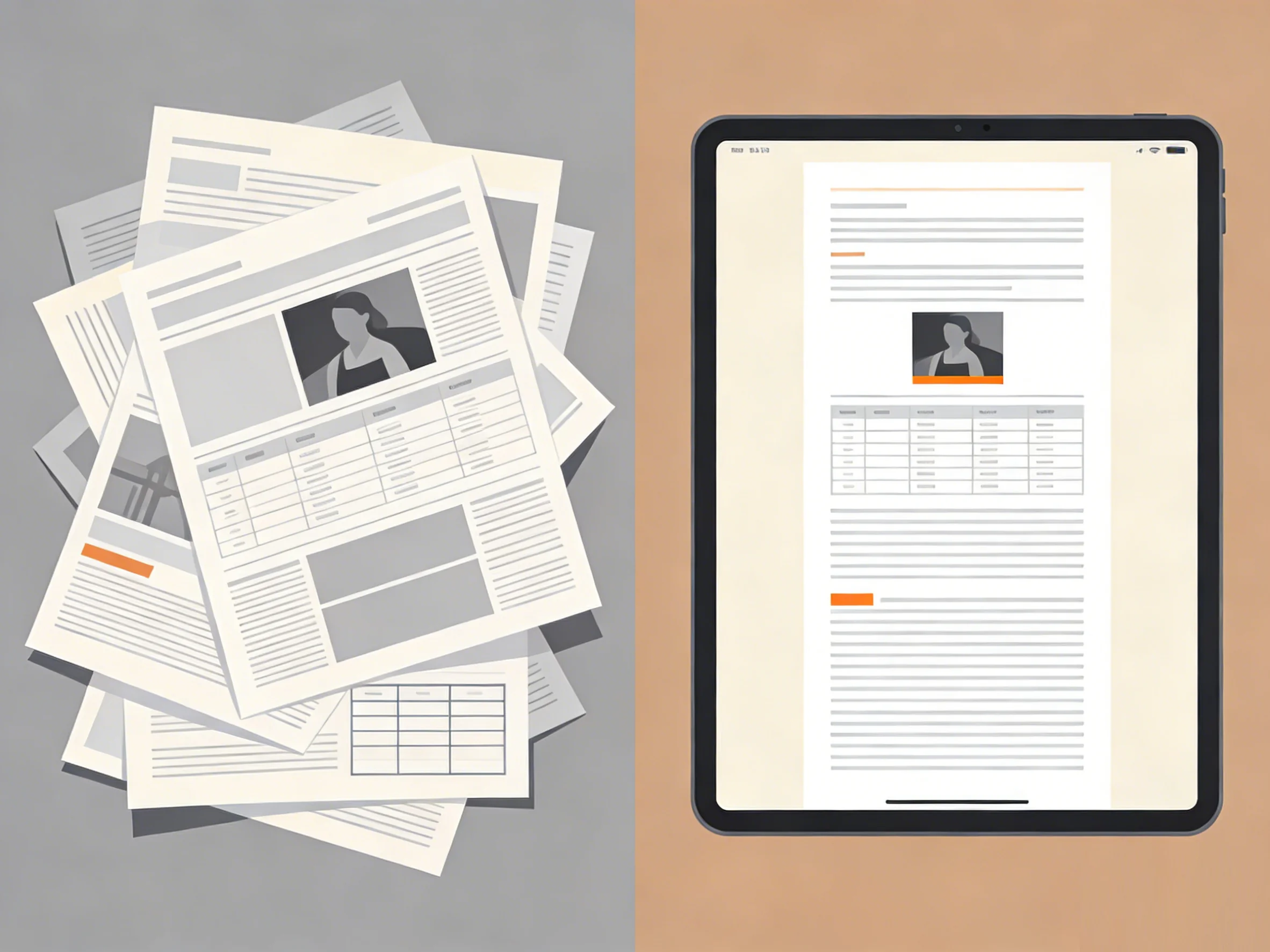
HOW IT WORKS
Upload the file, choose the right page ranges and checks, then download Markdown that is easier to reuse in search, prompting, and internal workflows.
Upload PDF, Office files, or images. DocPurify reads the file type first so you can confirm what is being processed.
Pick body pages, mark TOC pages when needed, and turn checks on only where they add value. Credit estimates appear before you start.
Run conversion with the checks you selected. Full-text AI calibration adds an extra review pass for structure, readability, and Markdown consistency.
Download Markdown, manifest, or ZIP outputs when processing finishes, then move them into your AI or documentation workflow.
CORE FEATURES
Mark TOC pages, choose processing range, preview key pages before starting. Exported Markdown stays closer to source hierarchy rather than flattening to plain text.
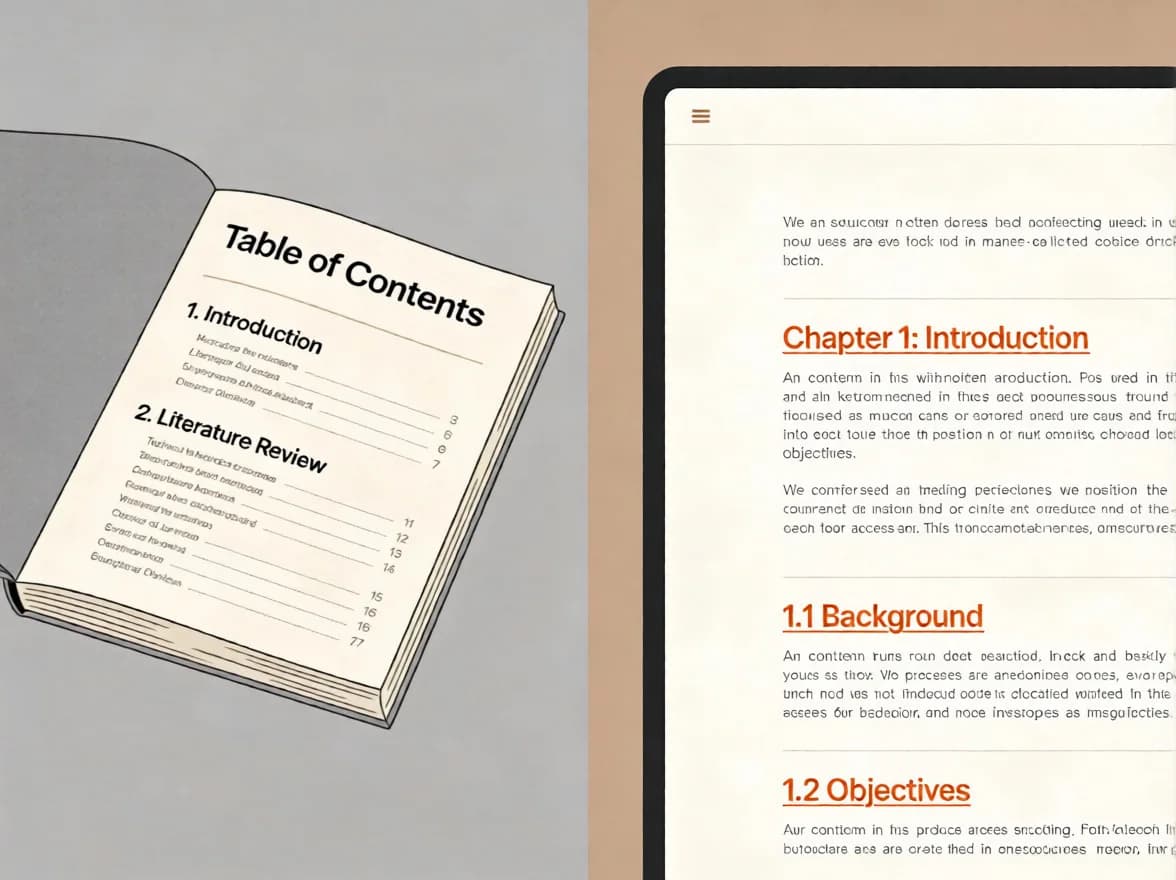
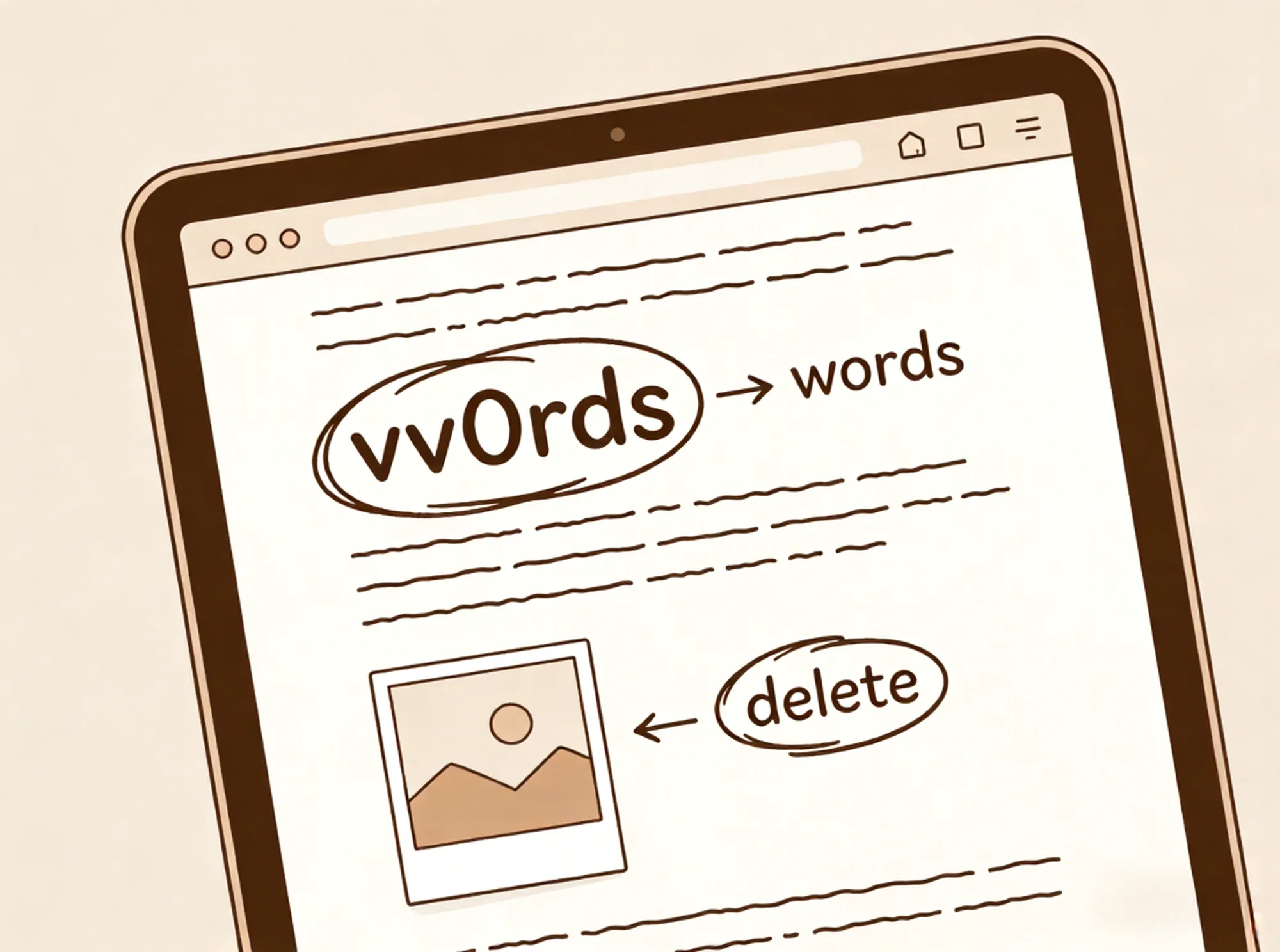
Full-text AI calibration helps catch structural inconsistencies, OCR drift, and readability issues, reducing manual rework after export.
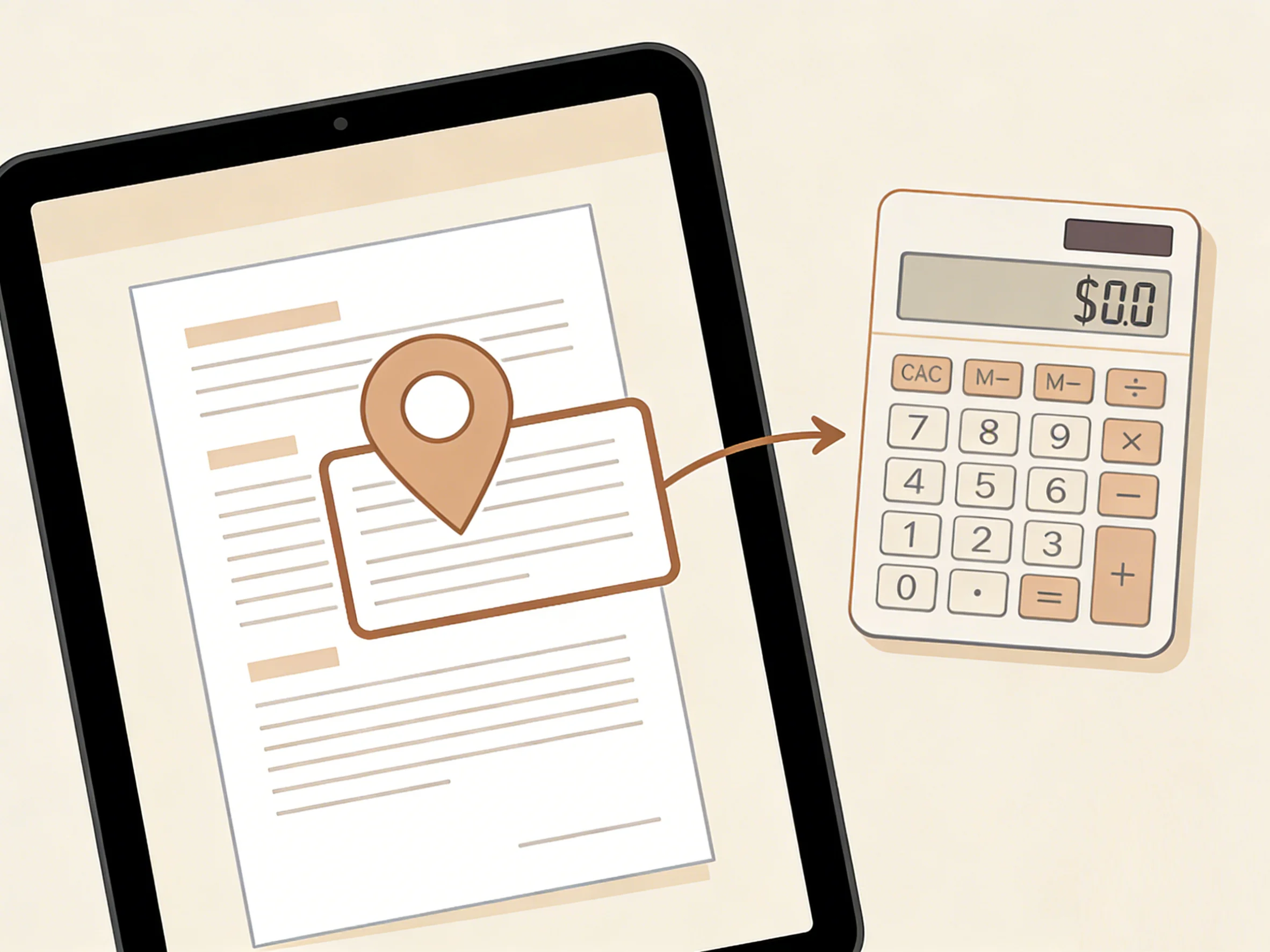
View credit estimates before processing, track task progress, and know file retention and auto-cleanup rules in advance.
WHY TRUST DOCPURIFY
Checks heading hierarchy, TOC depth, and section boundaries to bring exported Markdown closer to a directly usable state.
Files are used only for conversion processing and are typically auto-deleted after 48 hours.
View estimates upfront, settle based on actual job after completion, know why and how much was charged.
PRICING
Subscriptions better suit continuous processing; credit packs better suit one-time jobs, temporary top-ups, and periodic spikes.
$0
Preview, convert, and export with a small starter balance.
$15
A lighter plan for recurring personal document work.
$39
Best for steady weekly processing and regular document work.
$99
Built for teams running large batches every month.
FAQ
DocPurify is built to preserve headings, TOC hierarchy, and document organization wherever the source quality allows, so the exported Markdown stays closer to the original structure.
Before processing starts, DocPurify shows an estimated credit cost based on the file and the options you selected. Final usage is settled after the job finishes, so the estimate and actual result can differ.
You can upload PDF, Word (DOCX), PowerPoint (PPTX), TXT / Markdown, and image files. The effective upload limit depends on the lower of the system cap and your current account limit.
It adds an extra review pass before export to catch structural drift, readability issues, and Markdown consistency problems when the file needs a cleaner final result.
Subscriptions fit steady weekly or monthly volume. Credit packs are better for one-off migrations, backlog cleanup, or temporary spikes when you do not need a recurring plan.
You can cancel a subscription anytime to stop future renewals. Refunds are reviewed separately through support and are not issued automatically when you cancel.
Start with a PDF or document, choose range and validation options, export Markdown you can use immediately.